 HossTrain
Stop Cross Training, Start HossTraining!!
Gym, yoga studio, martial arts academy — the hours in the room are the smallest part of it. Training is not something you turn up and do twice a week; it is how you eat, how you rest, what you practice on a Wednesday night when nobody is watching. It stops being something you do and becomes something you are.
This is the app for the days in between. What you are working towards, what your instructor told you to fix, the movements on film, and what to eat so you turn up able to do any of it.
Every feature comes with your school's subscription. Your school gives you the login.
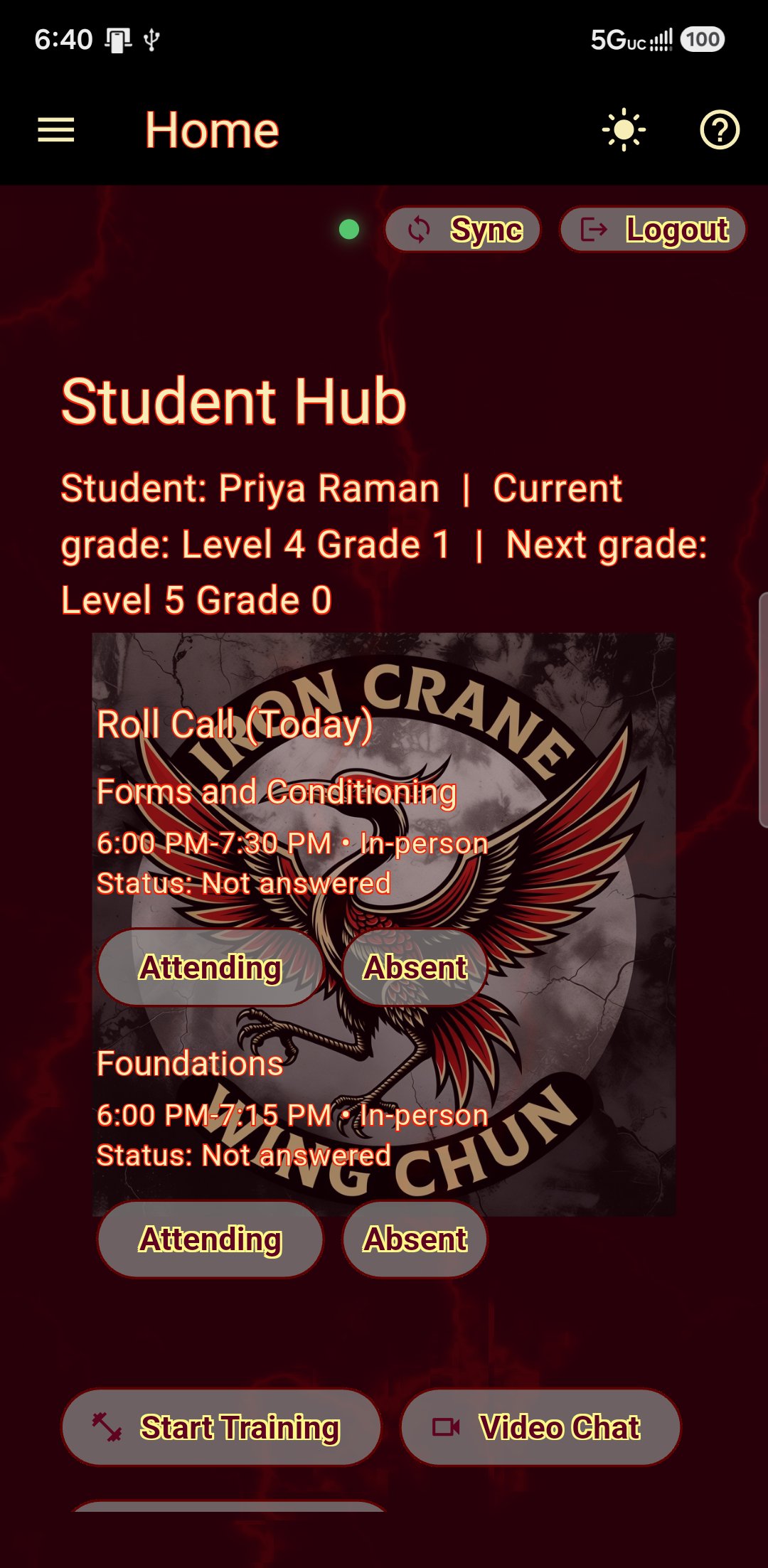
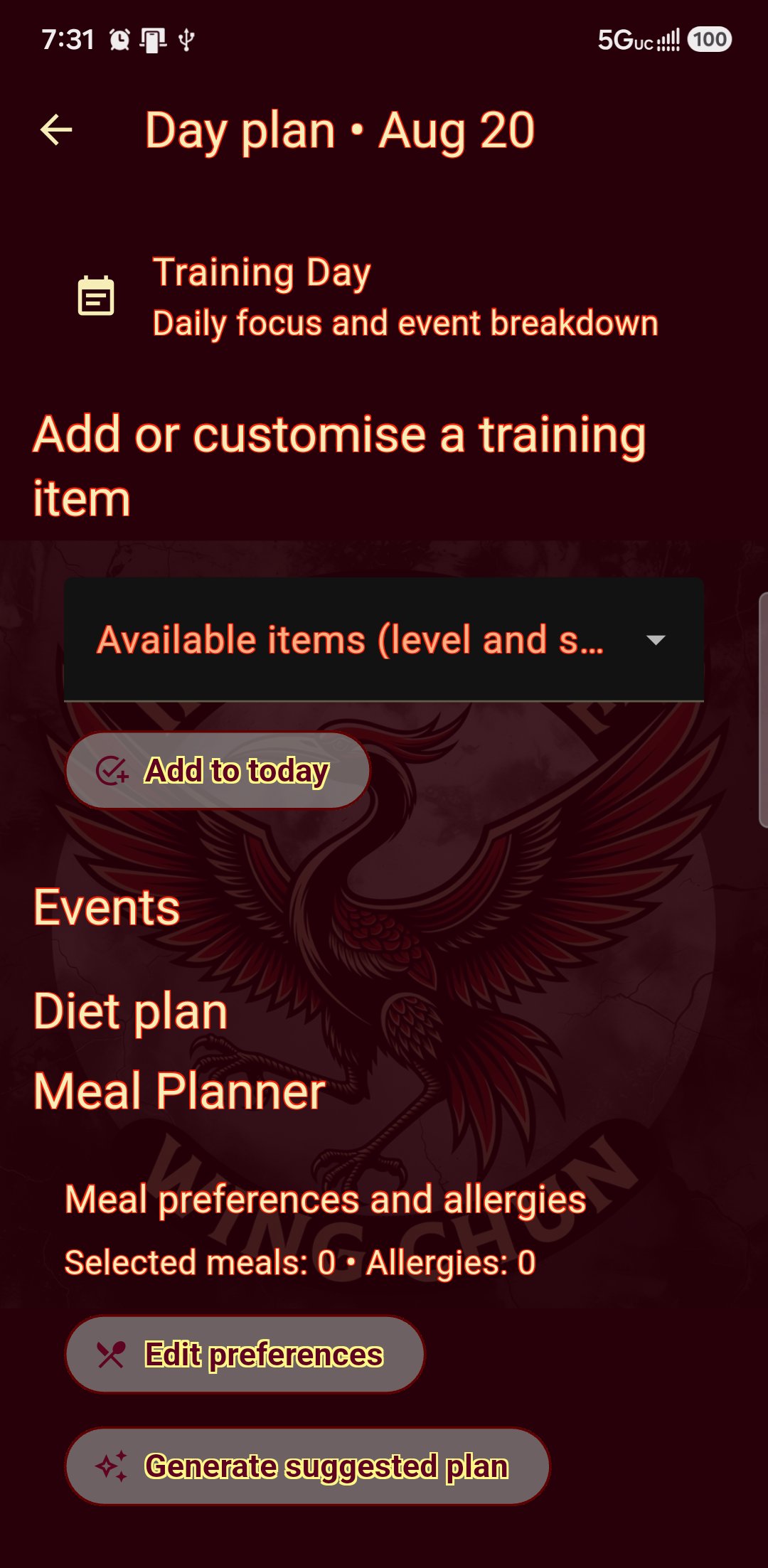
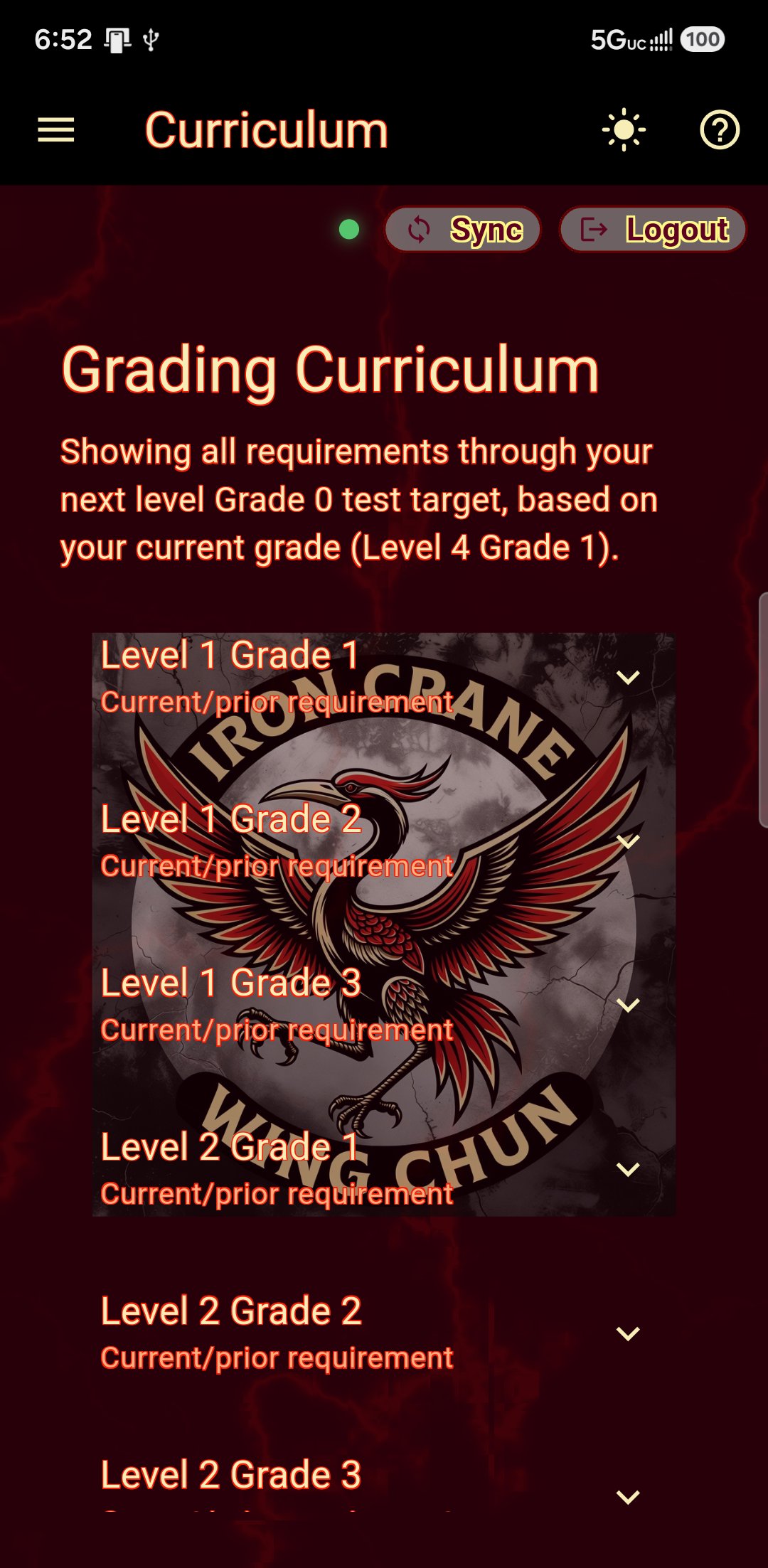
Your grade, your curriculum, your next step.
Not a generic curriculum. The one your own school teaches, at the grade you are actually on.
- Your current grade and the one you are working towards
- Exactly what that next grading asks for, in your school's words
- Drills and forms for your grade, with what you practiced logged
- Your week: class times, events and a plan for each day
When you are graded, everything moves with you — new requirements, new drills, new videos.
What your instructor said, still there on Tuesday.
Corrections that survive the car park
"Elbow drifting off the centerline on the third punch." Written by your instructor, with their name on it, waiting for you next time you open the app. Pending and completed, so you can see how far you have come.
Technique videos
Your own instructors demonstrating your own forms, sorted by grade, so what you drill at home matches what you are taught.
Ask your instructor directly
A message thread with your own instructors, in the app rather than in their personal phone number. Under-16s are covered: a parent or guardian is on the thread, and both sides can see they are — watching quietly is its own problem.
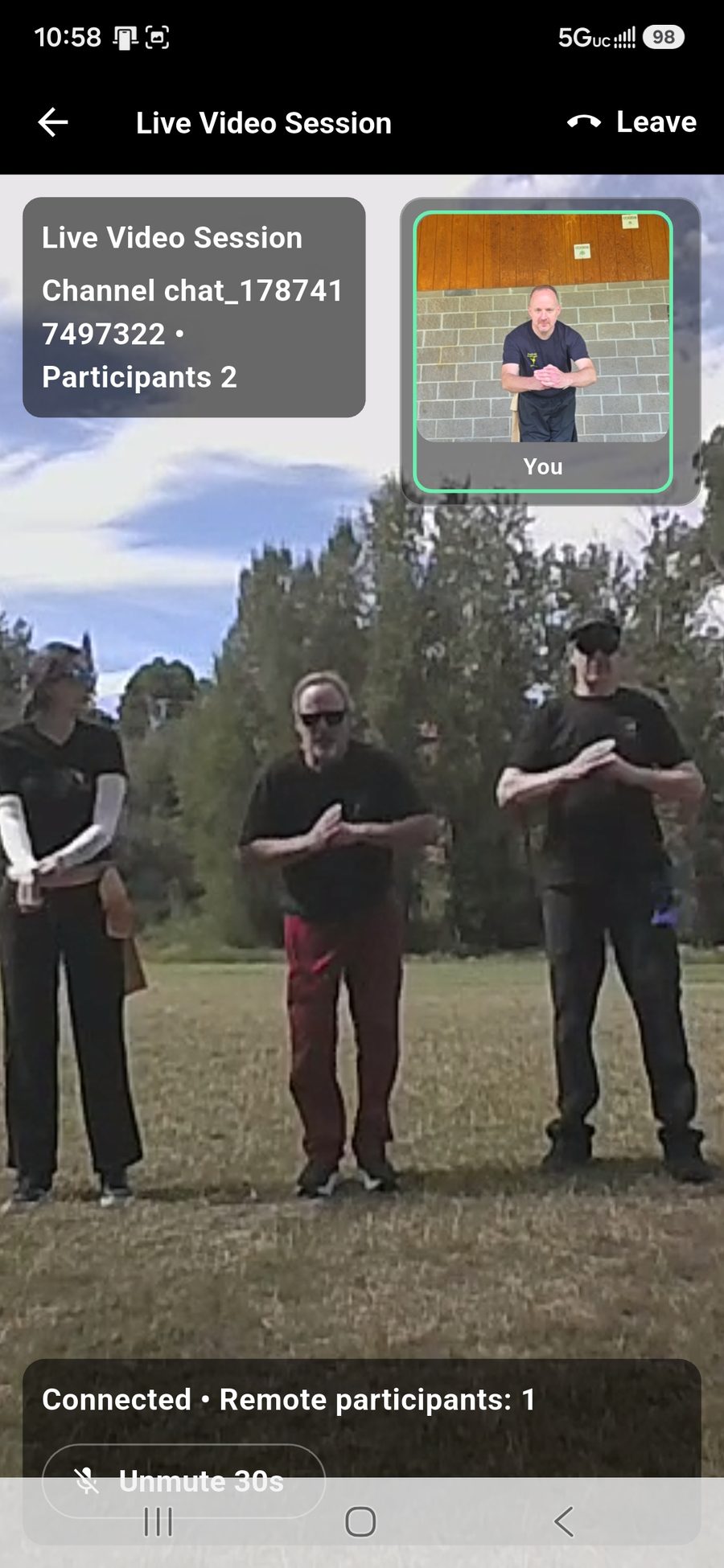
Live classes you can read in your own language.
Travelling, injured, or living an hour from the hall. When your school starts a remote class it appears in your app; join it, and it counts. Your instructor teaches in their language and you read it in yours, as they say it — nobody has to slow down for you, and you stop guessing at the half of it you did not catch.
- Captions while your instructor is speaking, in the language you set
- Your camera stays off until you decide to turn it on
- A shared whiteboard, so you can see the angle they mean
- Class chat, for asking without interrupting the class
- Push to talk, so twelve people are not breathing into twelve microphones
- Private one-to-one lessons, which nobody else can see you took
- Recordings afterwards, for the classes you were actually in
Score yourself, in your own front room.
Your phone on a chair, a form filmed once, and a card that tells you which second you dropped the guard — not a number out of ten.
It calibrates to you, not to a diagram.
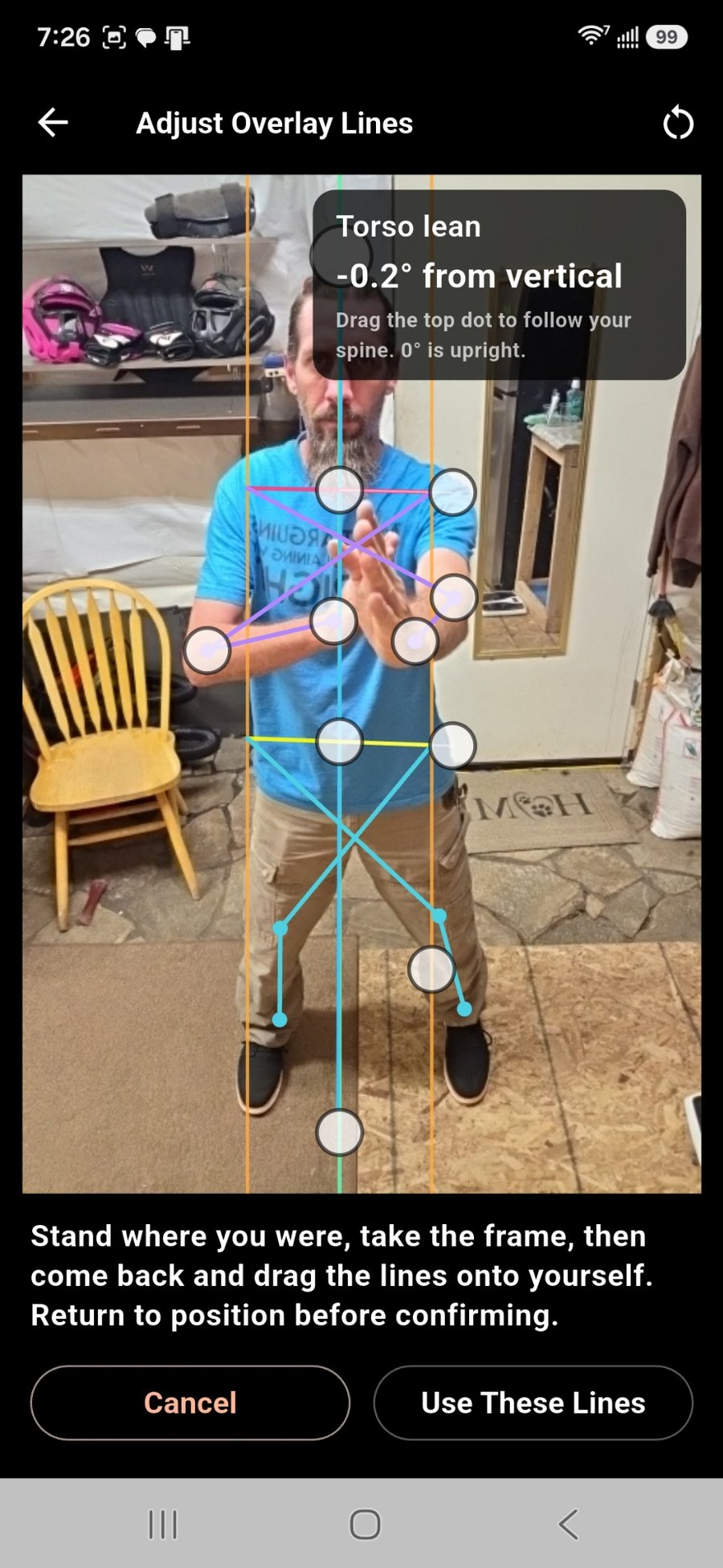
Stand where you will be standing and drag the lines onto your own shoulders, arms, hips and legs. The app reads the angle back to you as you go — “−0.2° from vertical” — so what it scores you against is your body in your room, not a stock skeleton. Voice prompts talk you through it, so you are not squinting at the screen from ten feet away.
- Shoulders, hips, arms and legs, each adjustable
- Spoken guidance through calibration and the capture itself
- “Ready”, “start” and “stop” work by voice — no run back to the phone
Then it tells you when, not just how much.
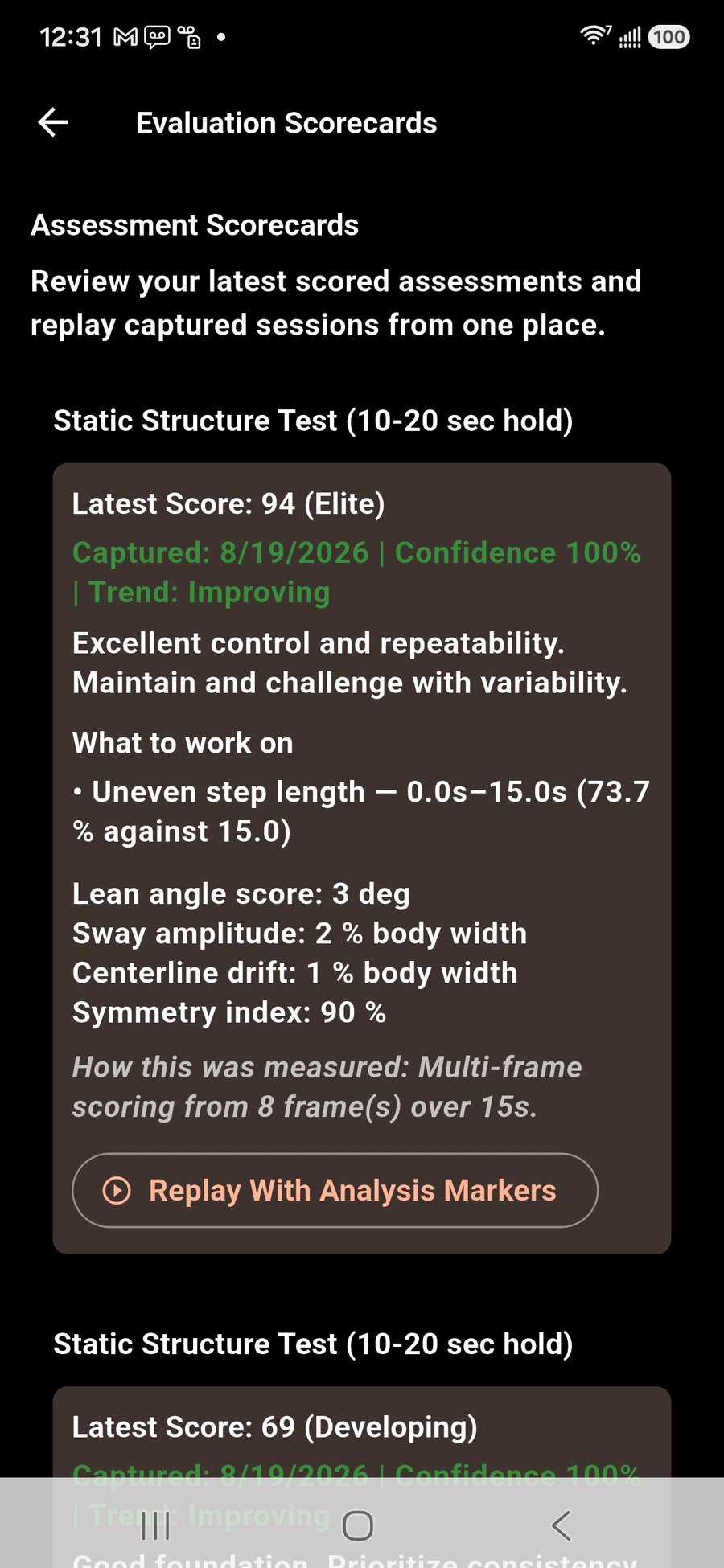
The card names the faults it found and the seconds they happened in, with the measurement beside each one. Replay the capture and it stops at those moments. A month of attempts becomes a curve per test, so you can see whether the work is landing.
- Faults with timestamps, and replay marked at each one
- The measurements behind the score, not just the score
- A curve per test over the last thirty days, and a summary when the month ends
- Your instructor’s written advice on the card, with their name on it
- They can also ask you to film one — that one goes on the school’s record rather than staying in your private practice, and they can ask for it live during a class
Two phones, if you have an old one spare
Prop a second phone at your side and pair the two over your own wifi. Both angles record together and come back as one scored take — because stance depth, and an elbow drifting behind you, do not read from the front at all. An old handset in a drawer is enough. There is nothing to buy and nothing to plug in.
Every capture is private until you share it
Filmed in your front room, kept to you. Nothing reaches your instructor unless you send it, or unless they asked for it and you answered. Practice is not surveillance.
Recordings expire, scores do not
Video is cleared after thirty days. The score, the measurements and the faults stay, so your progress survives without the platform holding a year of footage of you.
A rehearsal, not a grading
Your instructor decides who passes. This is so you arrive at the panel having already heard what they were going to say.
Train, eat, recover.
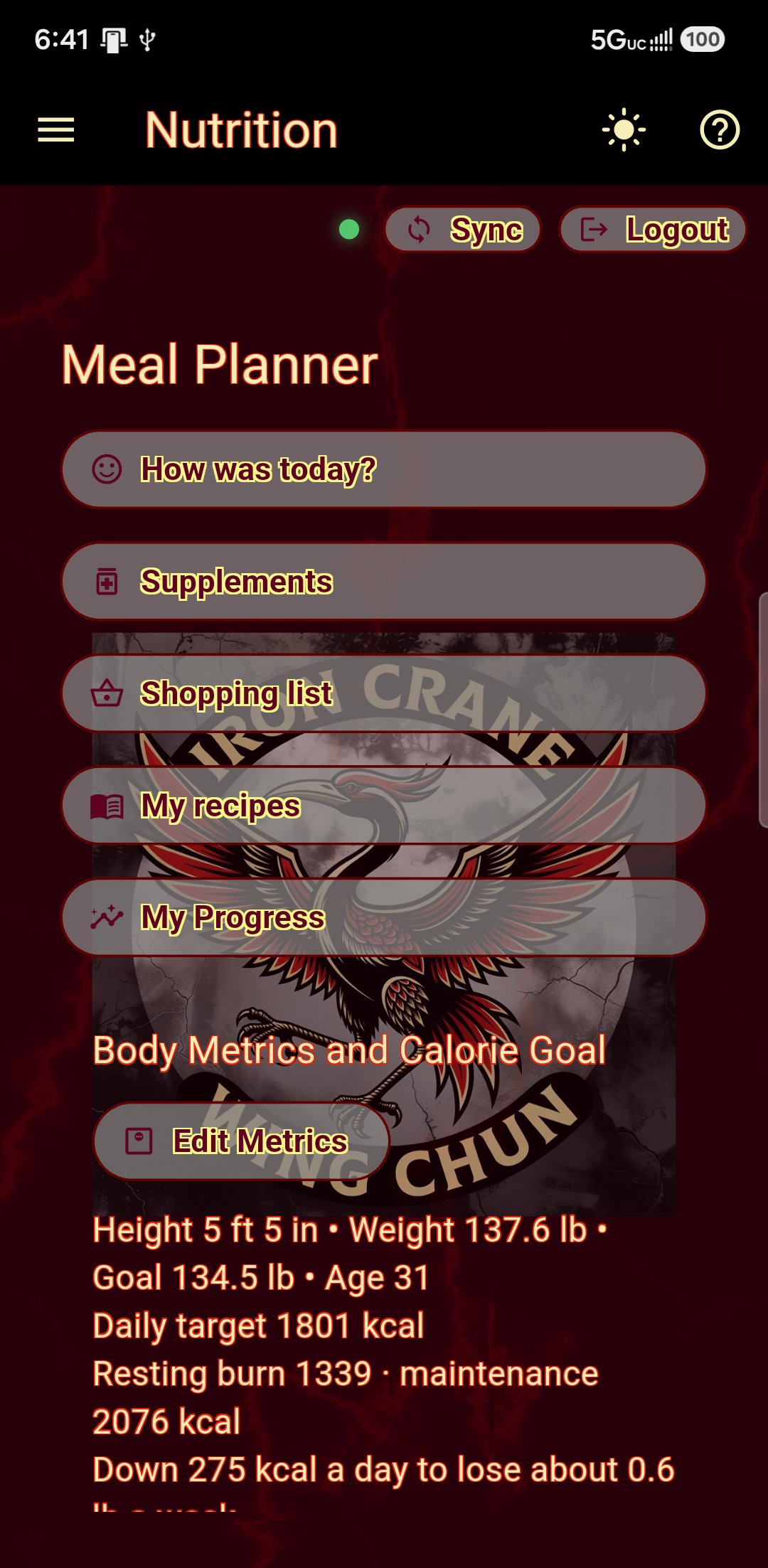
A meal planner with a traditional five-element constitution guide, the season, and a calorie target worked out from your own body and goal — then the shopping list to actually go and buy it, and the sleep that decides whether any of it works.
Find out how you run.
Twenty-one questions — warm or cold, dry or damp, where your energy goes. The result is your constitution, and it changes what the planner suggests. You can stop halfway and pick it up later.
- Over seven hundred dishes across sixteen cuisines
- Add your own meals, ingredient by ingredient, so the numbers still add up
- Photograph a recipe — off a card, a page, a screen — and it reads it in
- Tick the meals you actually like; allergies are excluded outright
- Pounds or kilograms, whichever you think in
- Plan a day, a week or a month — days you changed are left alone

Then it checks whether it worked.
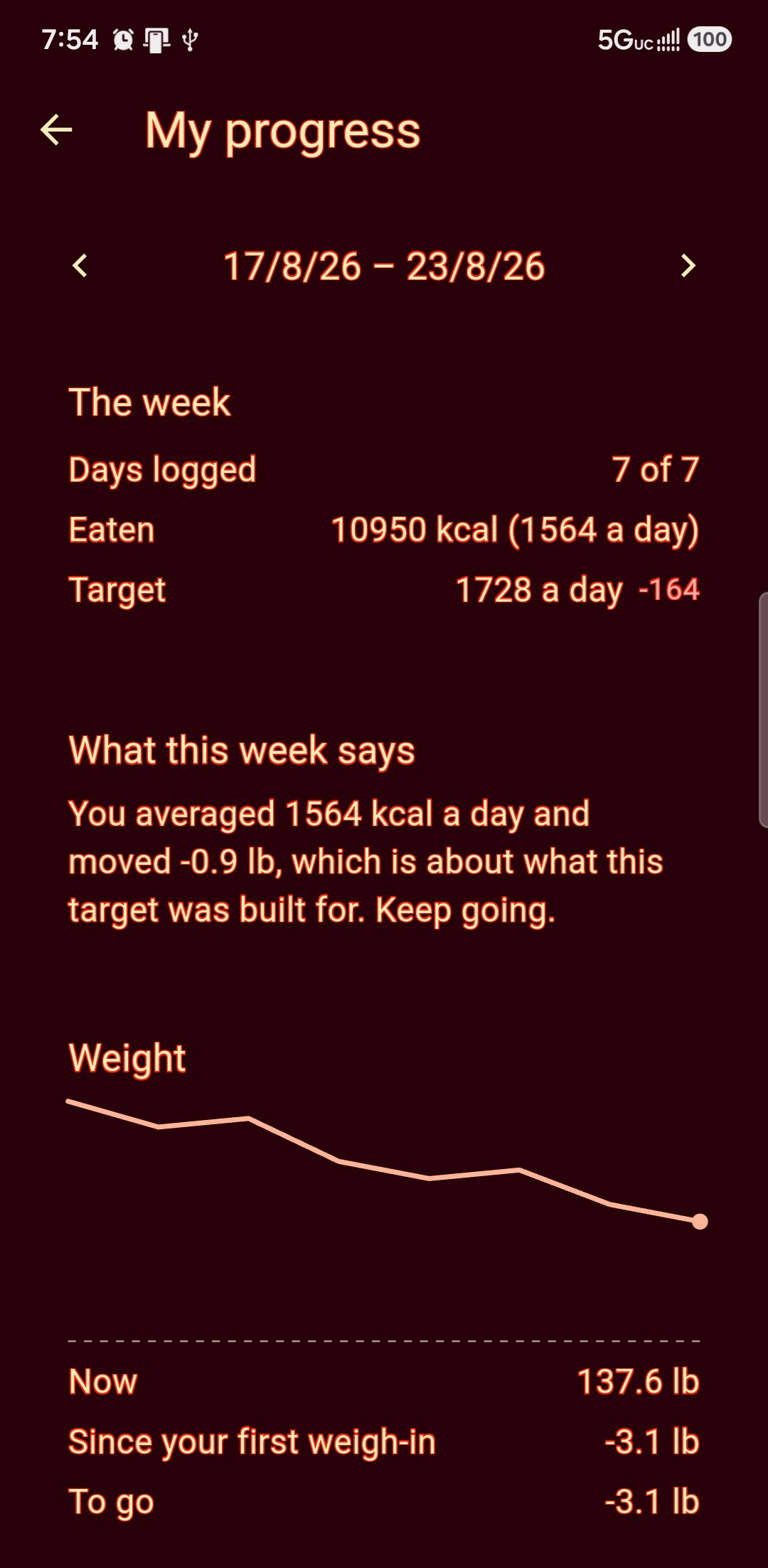
Log what you actually ate. Weigh in once a week — same time of day, same clothes or none. At the end of the week you get a real report: what was planned, what you ate, what the scales said, and what the plan is changing as a result.
- Daily intake against that day's target
- A weekly report you can hold your training against
- Adjustments explained rather than silently applied
- Your food diary is yours — your school sees what you choose to share
The shopping list writes itself
Pick the days you are planning for and the app adds up every ingredient across every meal — one line per item, combined, in the units you shop in. The gap between a meal plan and actually eating it is usually the supermarket.
Sleep, tracked beside the food
Hours, and how rested you felt. Recovery is half of training and the half nobody logs — kept next to what you ate and what the scales said, because they move together.
Your diary stays yours
What you ate, what you weigh, how you slept. Your school sees what you choose to share and nothing else.
Ten seconds a day, and something to look at in March.
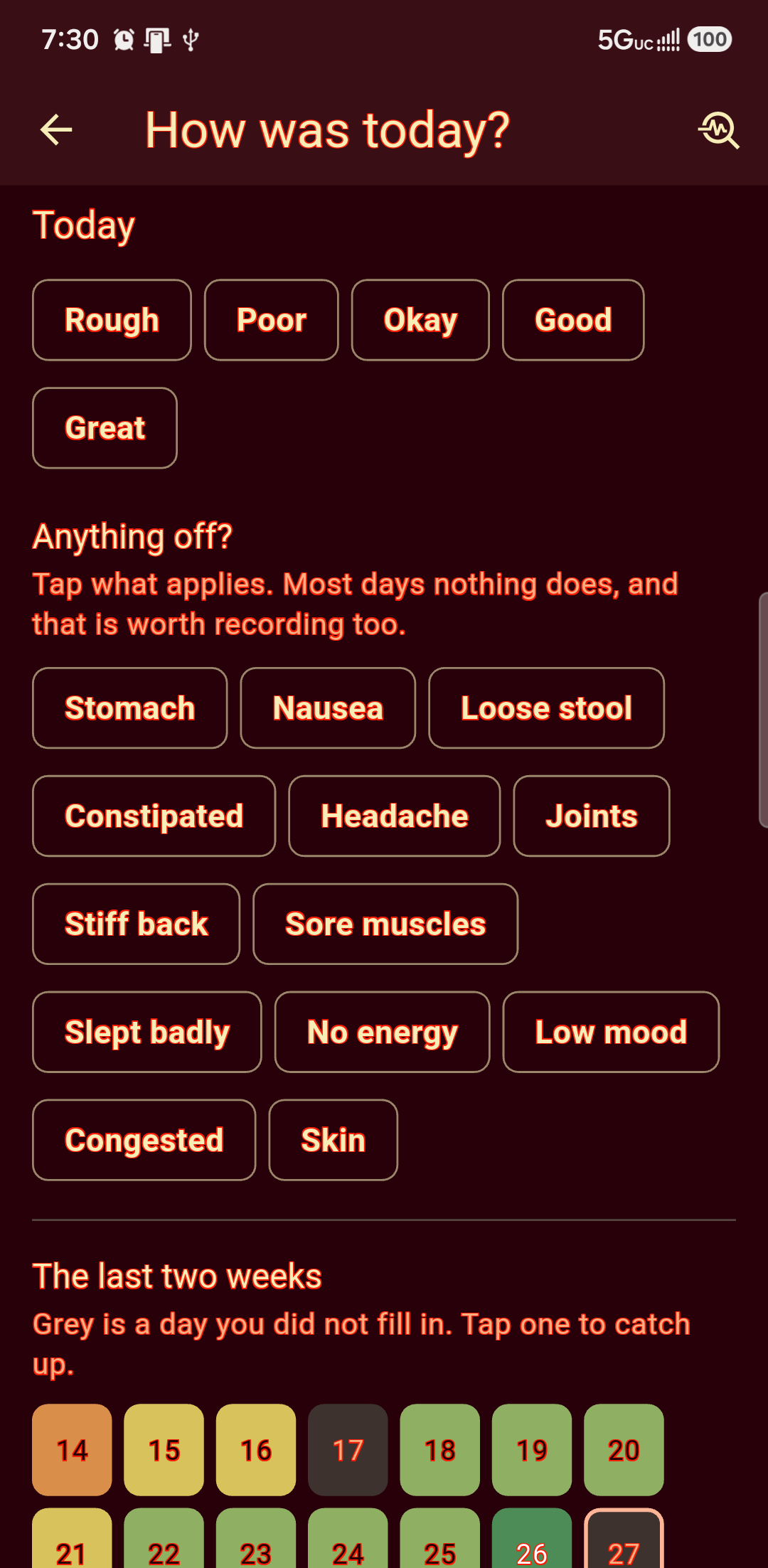
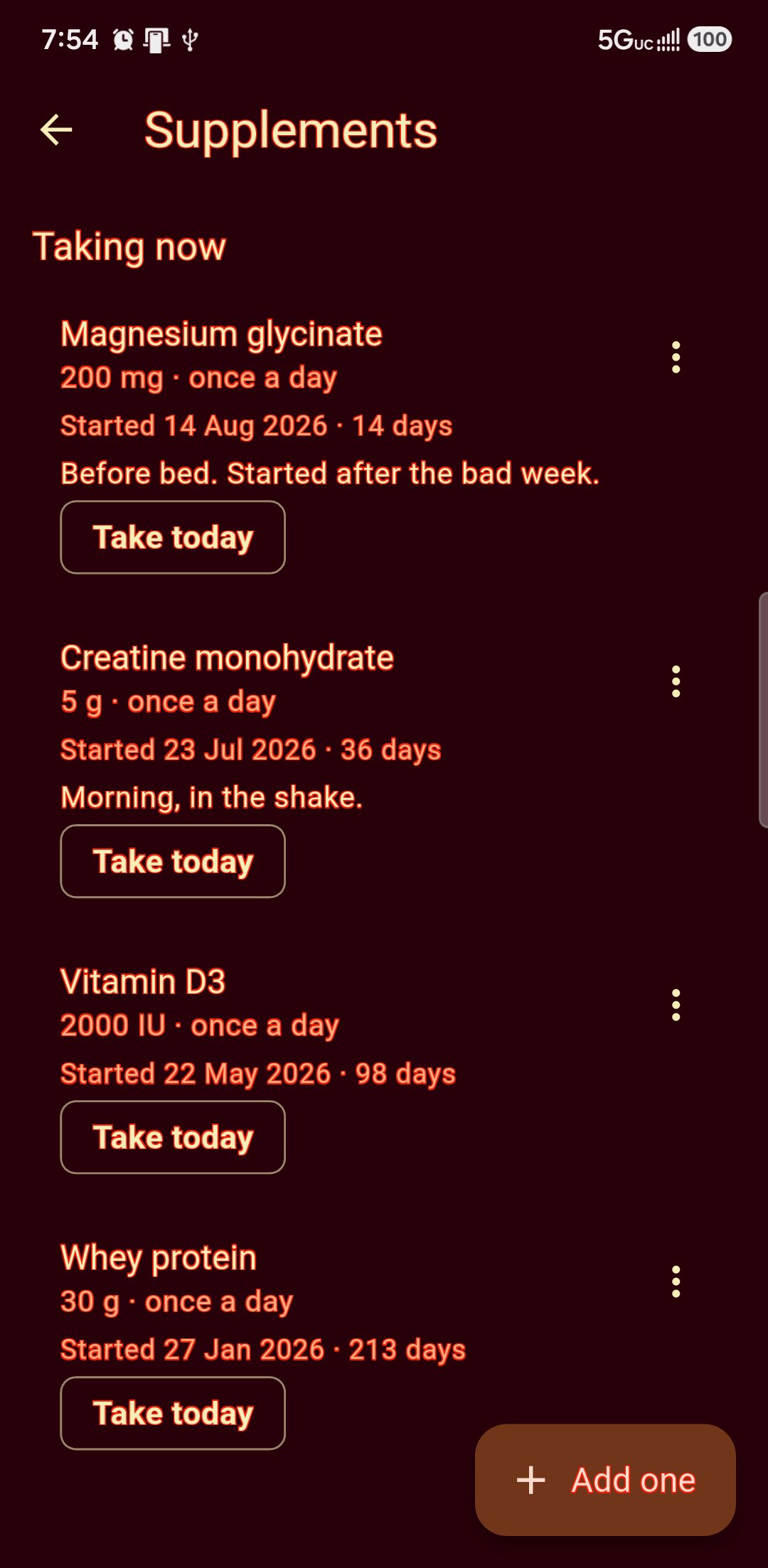
Rate the day and tap what was off — stomach, headache, slept badly, no energy. List what you take and when you started it. Then it counts: whether the weeks since the creatine really are better than the weeks before, and whether the same complaint keeps turning up a day or two after the same food. It is arithmetic and it says so: somewhere to look, not an answer.
- Anything you started gets two weeks either side before it will say a word
- A day well below your own usual asks what was off — yours, not the middle of the scale
- Food is read one to three days back, because that is how long it takes to come through
- One bad week is one thing that happened, and it will not blame everything you ate in it
- Your diary, your rating, your list — your school sees what you choose to share
Educational guidance built on traditional five-element practice, not medical or dietary advice — the app says so the first time you use it, and tells you to see a professional for anything that matters.
A training log that knows you have class on Thursday.
Any gym app will record a set of five. None of them knows you are grading in two weeks, or that squatting tonight is a poor idea because there is class tomorrow.
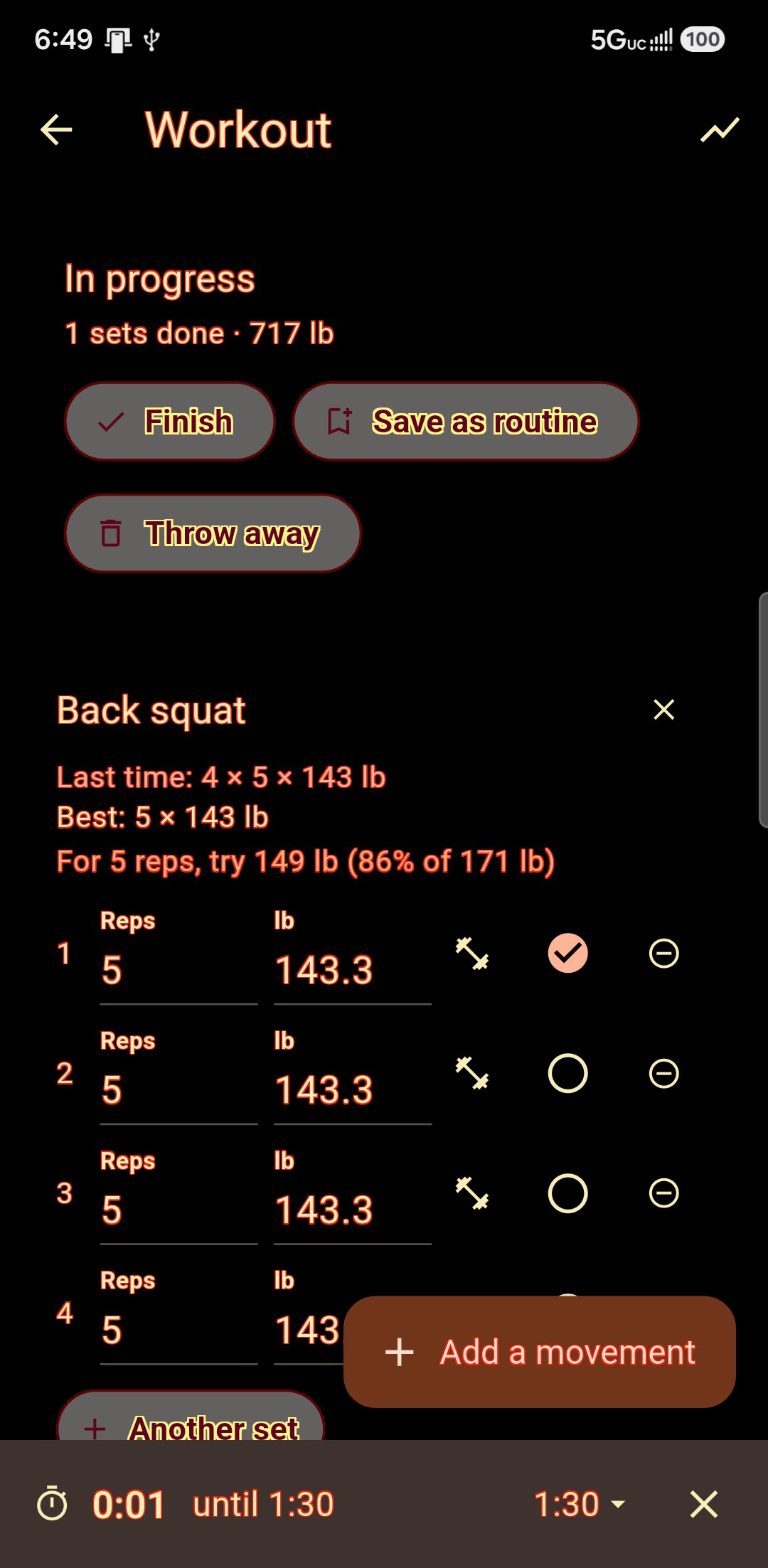
What you did last time, under what you are about to do.
That one line is why anybody keeps a log at all. The rest timer starts itself when you tick a set. The plate maths answers in the plates that are actually in your gym. And if you know what you can lift once, it tells you what to put on the bar for the reps in front of you — or works it out from a hard set you have already done, so nobody has to go and test a maximum with a bar on them.
- Your own routines, kept by name and done again
- Starters to begin from, if a blank list is the problem
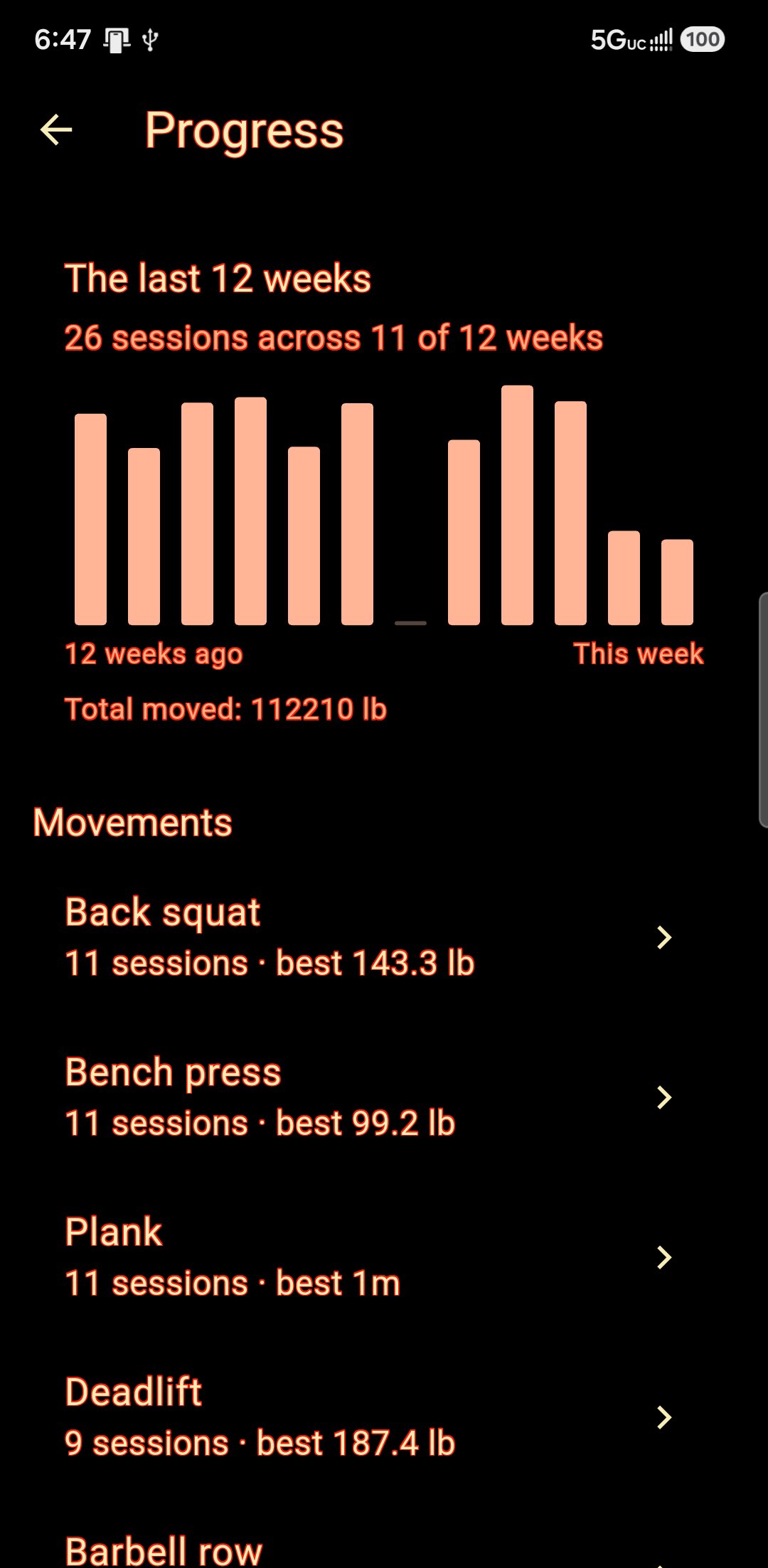
- Progress charts that do not flatter: a week you missed is drawn as a zero
And a week that works around your classes.
Tell it what a class at your school actually works — yours might open with press-ups and crunches, somebody else's with kicks — and it keeps the lifting off whatever that is. Conditioning comes out of your own syllabus rather than off a treadmill, because the minutes count twice. Every day says why it is what it is, so you can argue with it.
- You decide how much room to leave: fit it all in, or stay careful
- A night that ran harder than usual gets marked, after class
- Forty-two isometric exercises for a hotel room or a shut gym
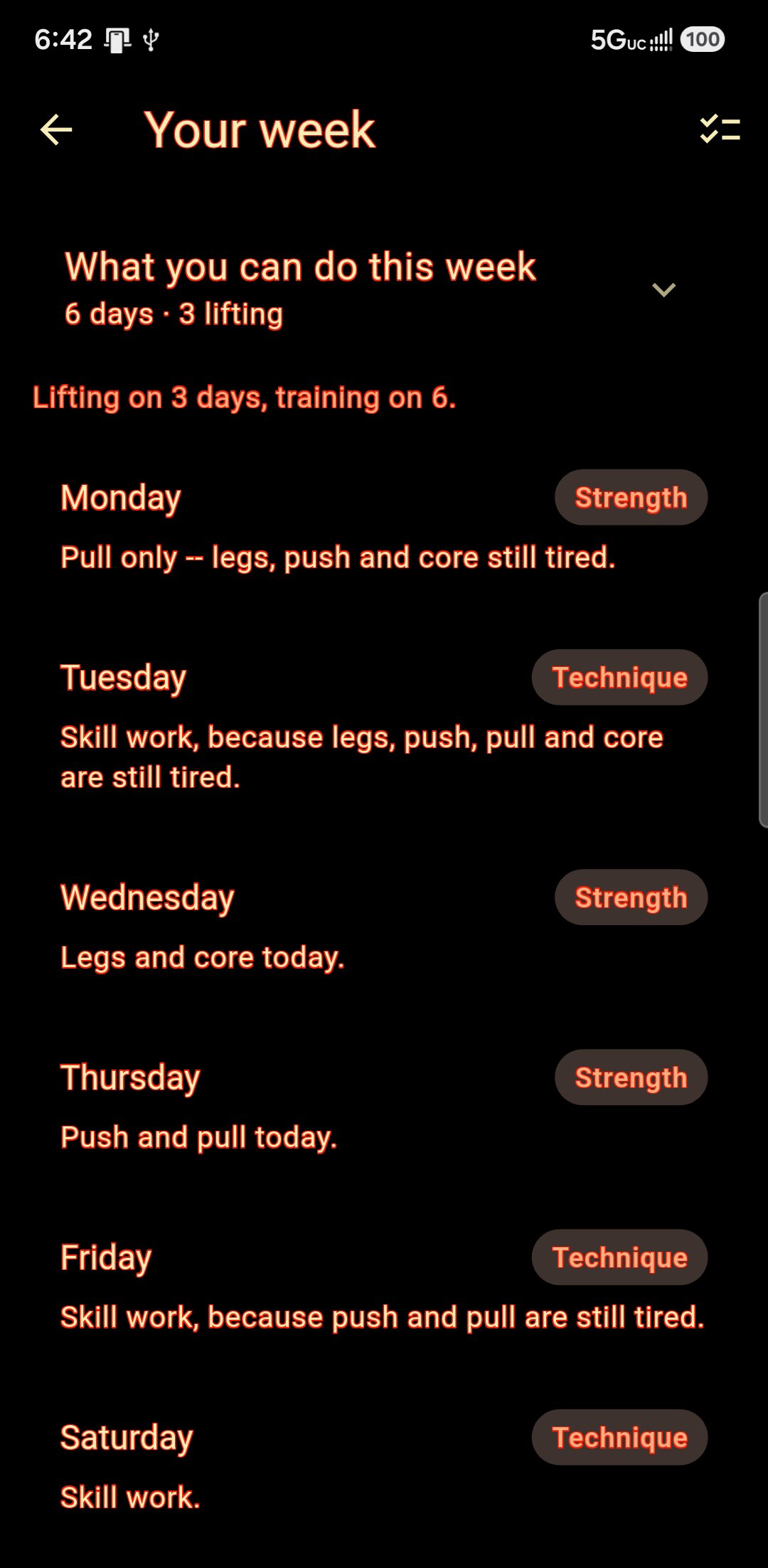
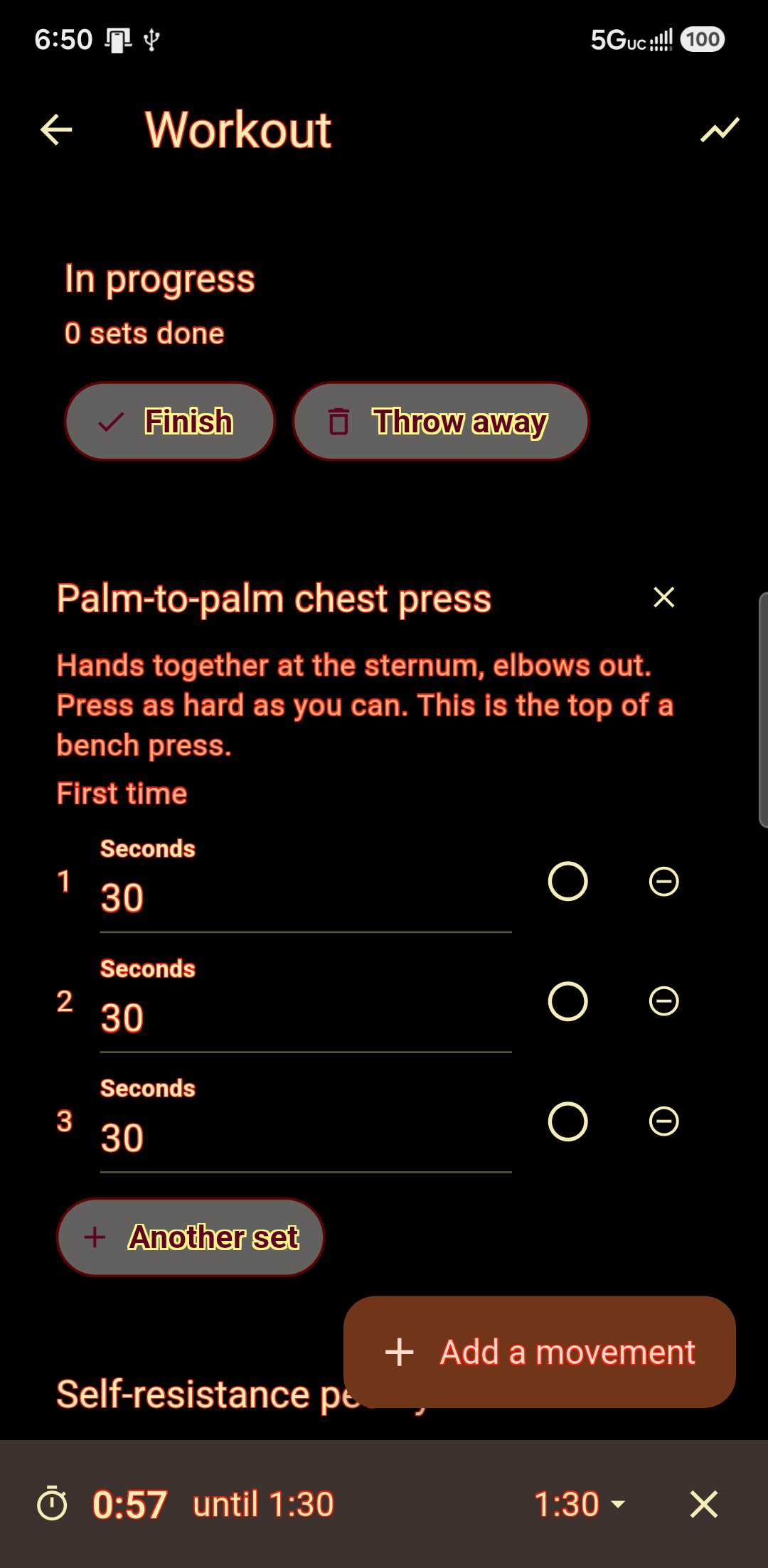
You lift on Thursdays. Your sifu should probably know that.
Cross-training is normal and most apps pretend it is not. They hand you another account for every school, each with its own diary, log and password, and none of the people coaching you ever finds out the others exist.
One diary, one log, one you.
Train in three places and you still have one food diary, one workout log, one run of daily check-ins and one planner — because those are about your body, and your body does not change when you walk into a different hall. Each school's own material stays under its own name: its curriculum, its videos, its threads, its corrections, its dues.
- One login, no second account to keep in step
- Your records are stored against you, not against a school
- Leave a school and your own history is still yours
- Switch from the menu — no signing out, no second password
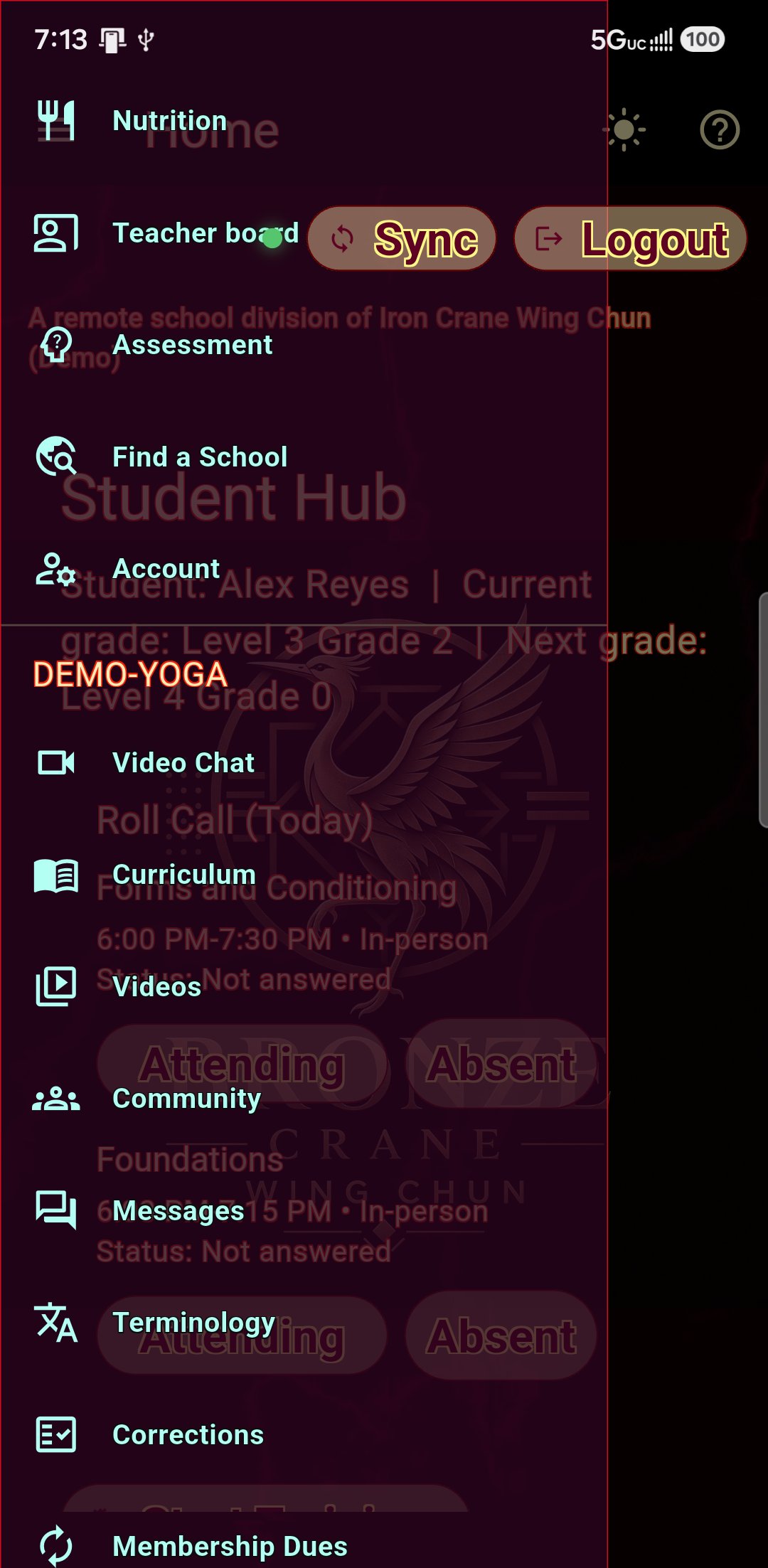
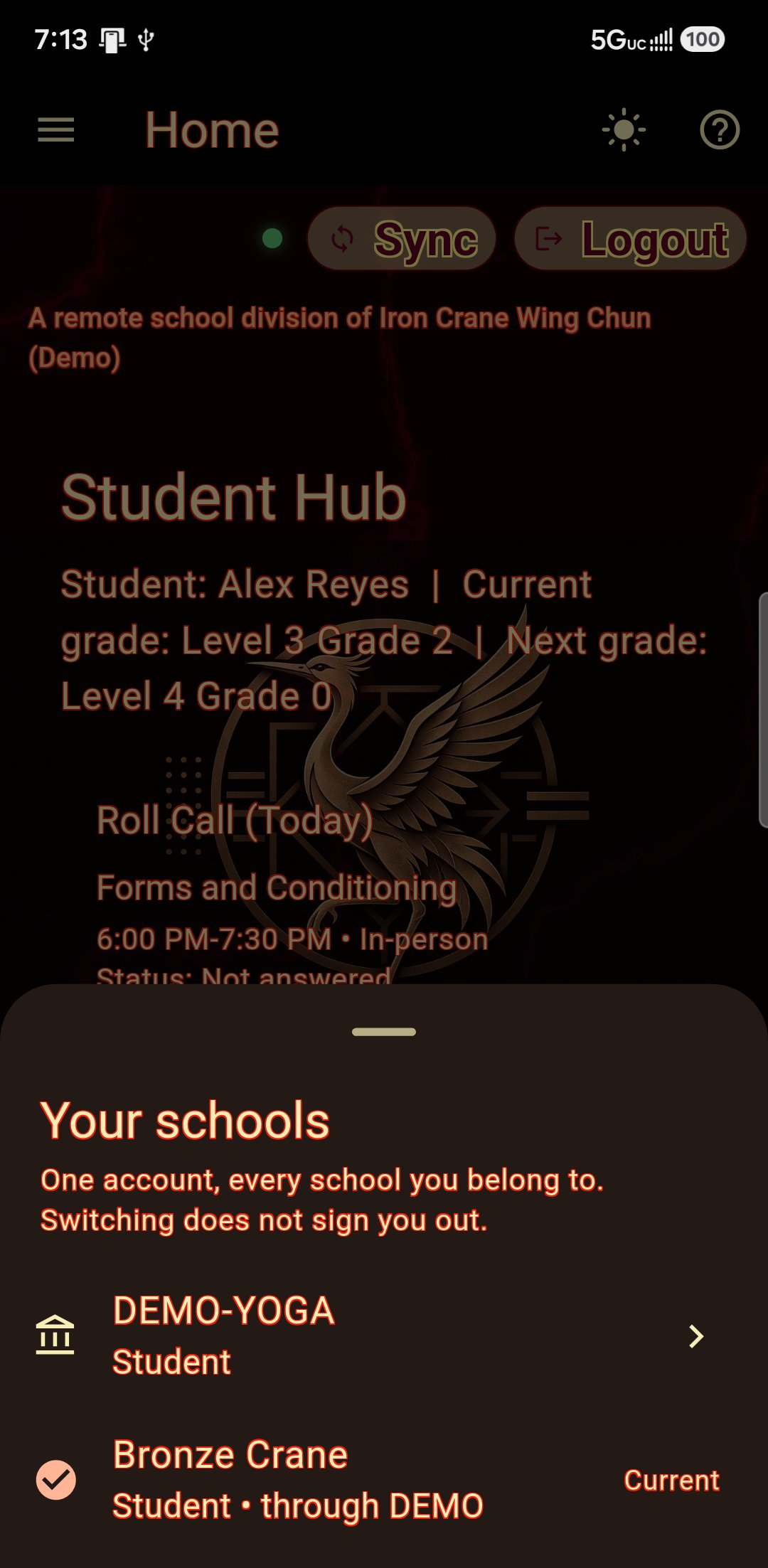
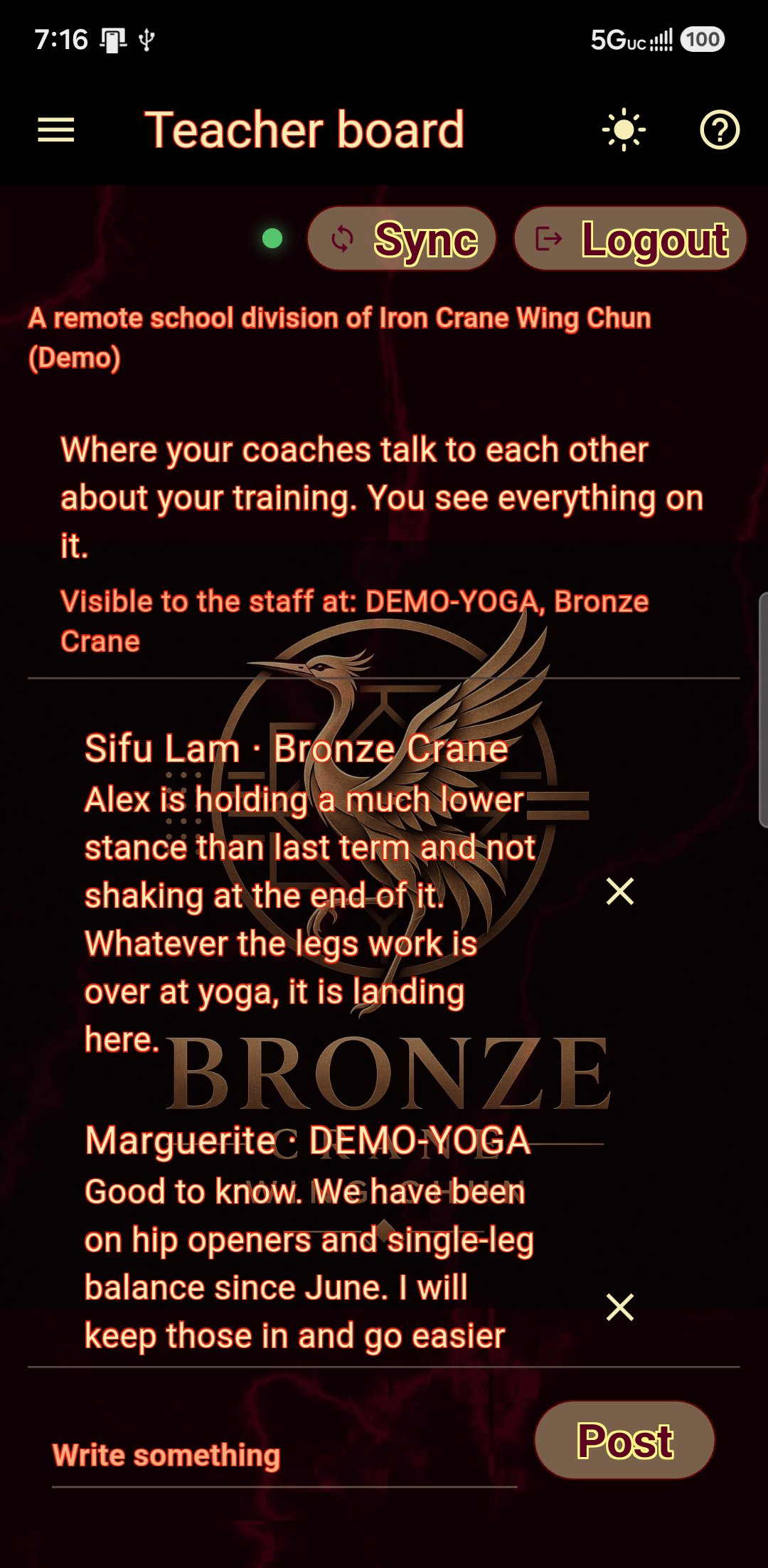
Your coaches, on the same page for once.
The teacher board is yours, and every coach you train under can read and write on it. Your strength coach says the squats are back to depth; your sifu says there is a grading on Friday and to keep the legs fresh. You see all of it — the same screen they see, so nobody can tell you that you see everything while a fuller version exists.
- One board, however many coaches — not a board per school
- Every note says which school the voice came from
- You decide who can read it; no coach can add themselves
- Nothing else crosses: the gym cannot see your school's threads
Three boards, one hall to the next.
Your school's board
Notices, questions and the chat that used to live in a group message nobody could search.
Your association
Sister schools under the same association, sharing one board — seminars, gradings, and people who train the way you do.
Everyone
A global board across every school on the platform, for the questions that are bigger than one hall.
Attendance and roll call
Mark yourself attending before class so your instructor knows who is coming.
Your competitions
Tournaments you entered and how they went, kept on your own record beside your gradings. The medal and the belt are the same story and they belong on the same page.
Your dues
What you owe and when, paid to your school through their own provider.
It looks like your school
Your school's mark, colours and lettering — and, if they want it, the room: slate, marble, brick, oak, bamboo, tatami or raked sand behind the page, down the menu, or on the buttons. Set by them, carried to your phone.
Set it once, and the whole app follows.
Eight languages. Your choice, on your phone — it changes nothing for anyone else in the class.
- English, Spanish, French, German, Vietnamese, Chinese, Japanese and Korean
- Menus, your day plan, your scorecards, the tutorials — all of it, not just the buttons
- Your instructor's written corrections and assessment advice come through translated as well
- Grades and form names stay as your school says them, so you learn the words they actually use
- And your school's own glossary explains those words, in the language you read — so the name stays in theirs and the meaning arrives in yours
- Captions in a live class, in your language, while your instructor is teaching in theirs
Train in the language you think in. Learn the forms in the language your school teaches them.
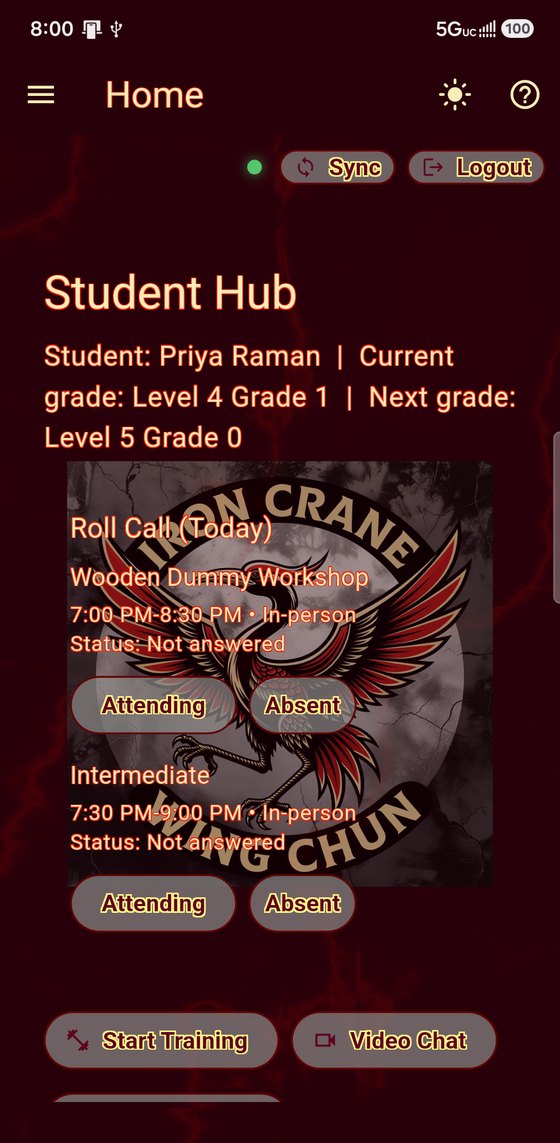
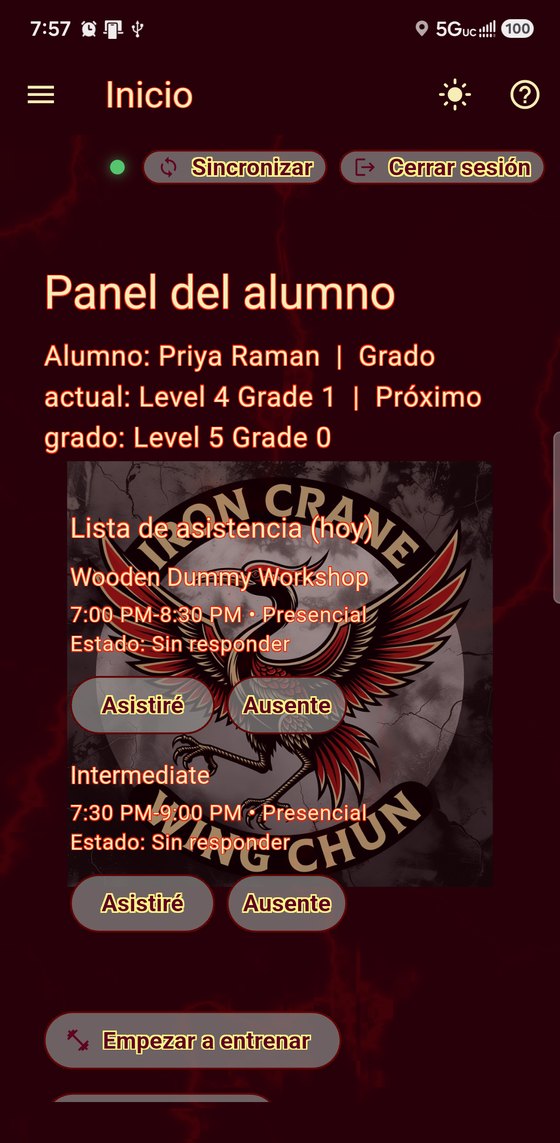
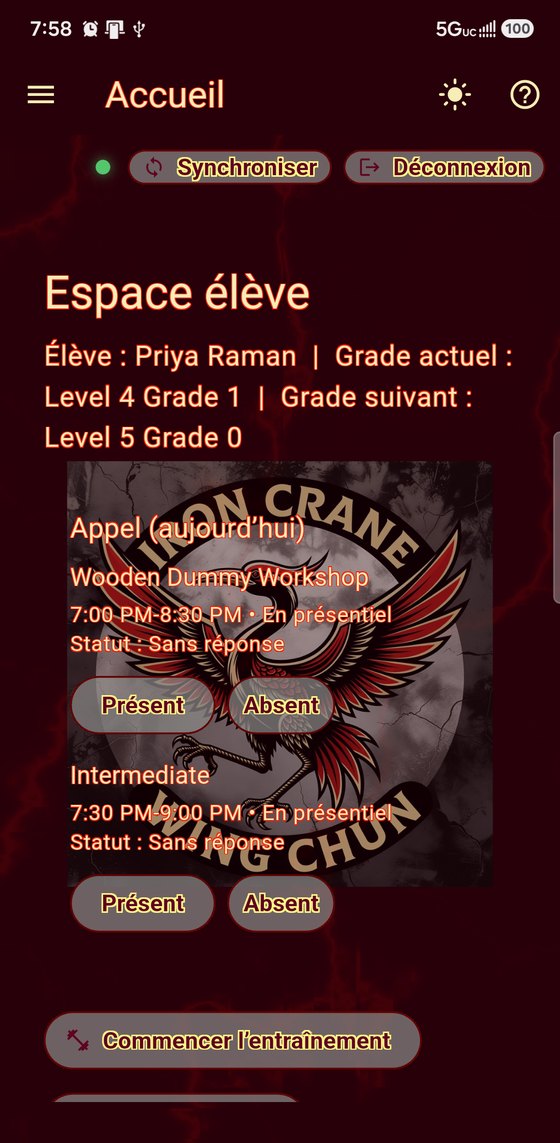
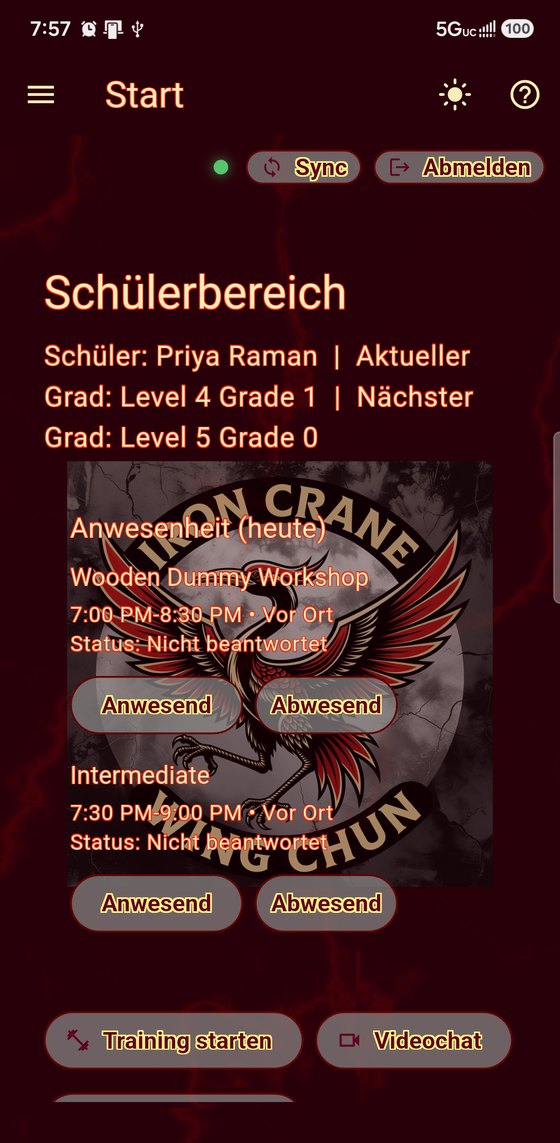
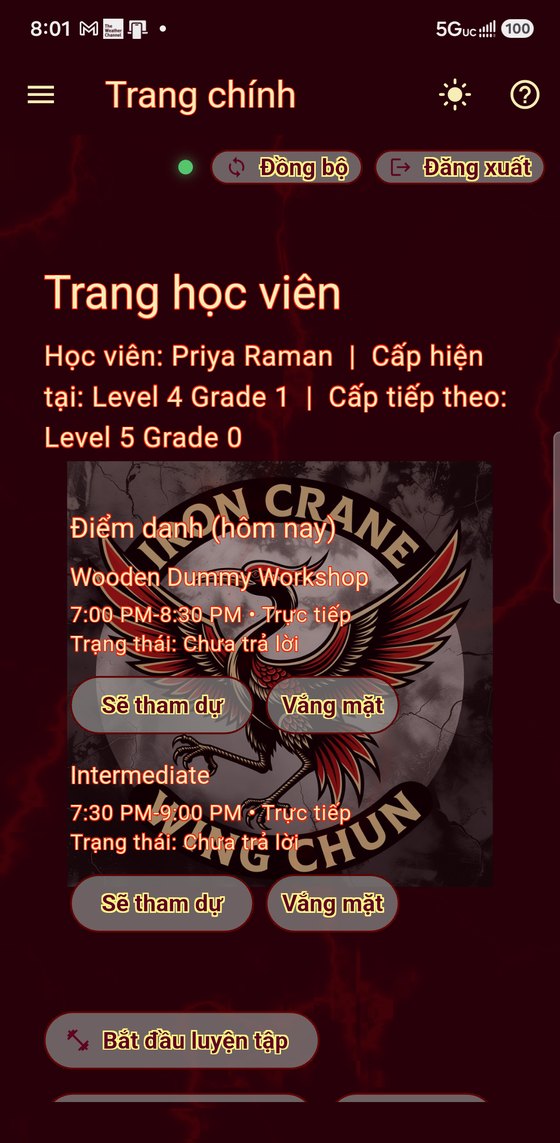
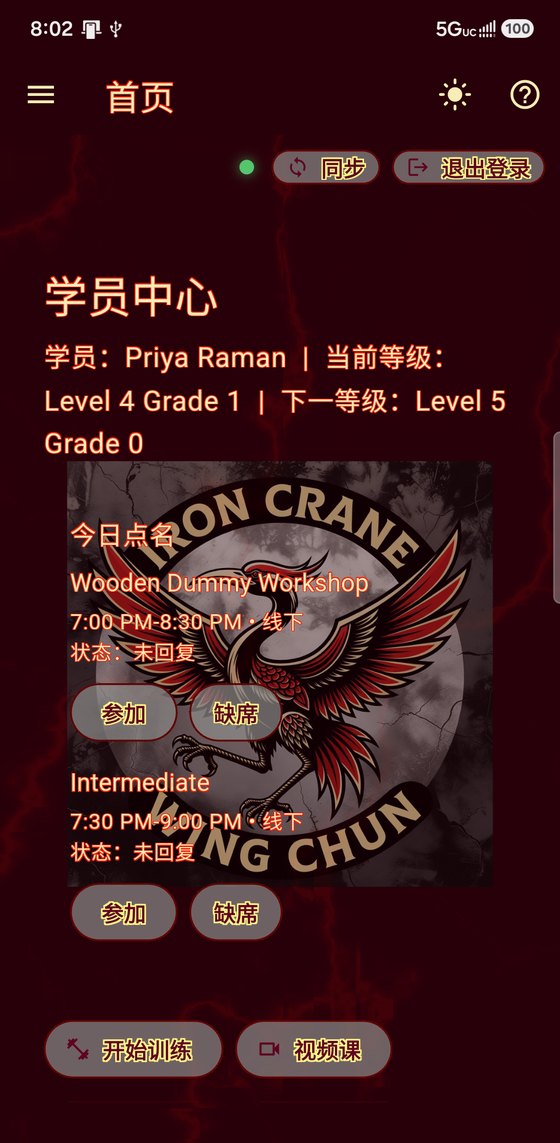
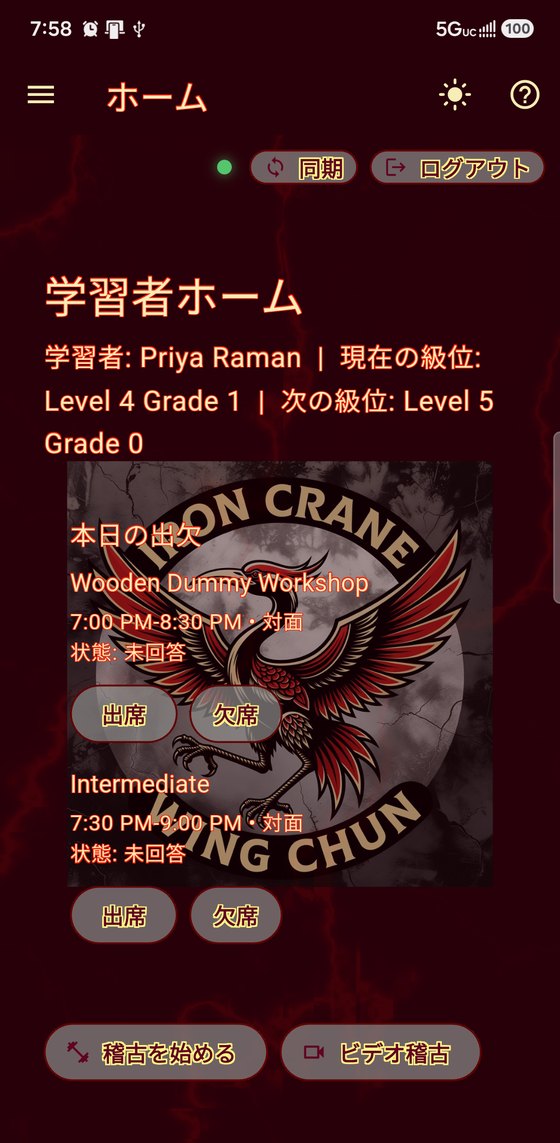
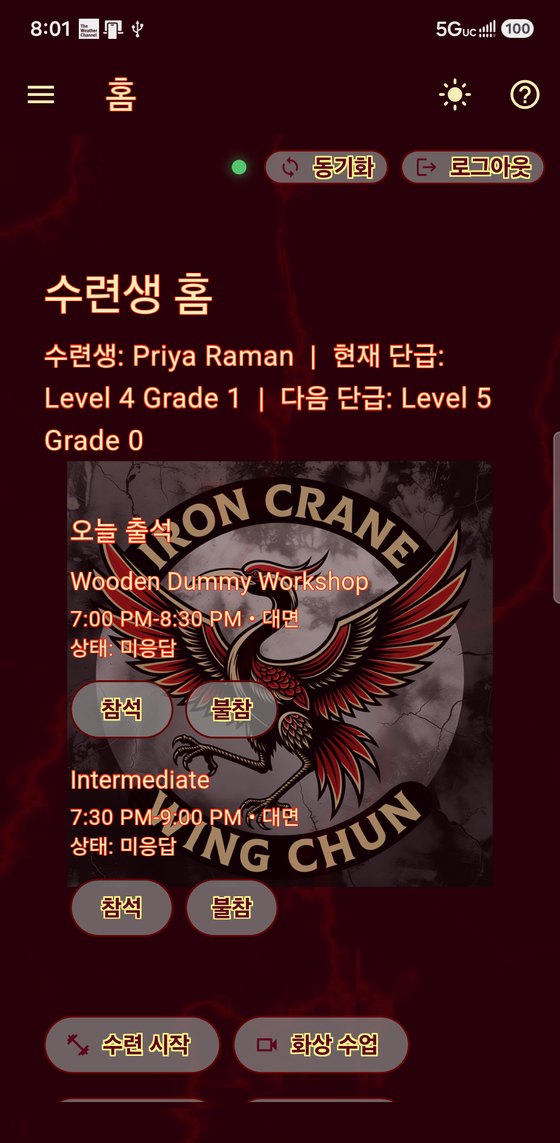
Eight languages, one app. Each person sets their own.
What you get here that you do not get elsewhere.
The better martial arts apps do rank and curriculum properly. Almost none of them follow you out of the building, and that is most of the week.
| As a student, can you… | HossTrain | Typical school app |
|---|---|---|
| Check in and see class times | ✓ | ✓ |
| Pay your dues | ✓ | ✓ |
| See exactly what your next grading asks for | ✓ | sometimes |
| Read the corrections your instructor gave you | ✓ | ✗ |
| Watch your own school's technique videos | ✓ | sometimes |
| Score your own form against your master's reference | ✓ | ✗ |
| See which second you dropped the guard, and replay it | ✓ | ✗ |
| Keep your practice captures private from your school | ✓ | ✗ |
| See every number you track on one screen | ✓ | ✗ |
| Message your instructor without their personal number | ✓ | sometimes |
| Turn your meal plan into a shopping list | ✓ | ✗ |
| Join a live class from home | ✓ | ✗ |
| Get a meal plan built around your constitution | ✓ | ✗ |
| Track weigh-ins and get a weekly report | ✓ | ✗ |
| Keep a barbell log in the same app as your syllabus | ✓ | ✗ |
| Be told what to load on the bar for the reps in front of you | ✓ | ✗ |
| Get a training week planned around class and grading | ✓ | ✗ |
| Train with no gym, off a library of isometrics | ✓ | ✗ |
| Have all your coaches reading the same board | ✓ | ✗ |
| Rate your day and tag what was off | ✓ | ✗ |
| List what you take and when you started it | ✓ | ✗ |
| See whether a food or a supplement lines up with feeling rough | ✓ | ✗ |
| Train at several schools on one login | ✓ | ✗ |
| Talk to students at other schools | ✓ | ✗ |
Scroll the table sideways if it does not all fit.
You can have most of this without a school at all.
Not a trial. When the app goes public there will be a free version you can download with no account and no school, and keep for as long as you like.
What you get for nothing
The parts that are about your body rather than a school: the food diary and the shopping list, the barbell log with the plate maths, the isometrics, weigh-ins, sleep, and the daily check-in that looks for patterns. It lives on your phone. Nobody sees it, including us.
What needs a school
Your curriculum, your grade, your instructor's videos, your corrections, scoring yourself against your master's demonstration, live classes, messaging and the boards. Not held back to make you pay — none of those exist without a school, because they are your school's.
Swapping with a training partner
No account does not mean alone. Show a partner a QR code and your rank and practice log go across. Send a technique video phone to phone over Bluetooth or Wi-Fi, with no internet involved — film each other's form after class and take it home to watch.
The catch, said plainly
Everything you keep is on your own handset, so videos eat storage fast. Nothing arrives unless somebody hands it to you in person. Lose the phone and it is gone, because there is no backup to restore from. It works; it is fiddly.
Not during the beta. While the app is in beta it only works for students of a member school. The free version arrives when the app opens to everybody — and whatever you log in it is yours, and comes with you the day you join a school.
Two ways in.
Most people get the app through the school they already train at. If you are not settled at one school yet, or you split your week between several, there is a way in that does not ask you to pay a full membership at each of them.
Through your school
Every feature on this page comes with your school's subscription — your curriculum, your corrections, your videos, live classes, the nutrition side, all of it. Ask your school about the app, if they don't have it, tell them about it below.
Community membership
A monthly membership paid to HossTrain, for training across schools without a full membership at each. Your usage — streaming, live video time — is billed to your HossTrain membership. When you join a school's live video class, your HossTrain account is billed. Fees for classes you attend in person stay between you and the school.
We are in beta with a limited number of schools, so the app is not on the public stores yet. Community membership tiers are being finalized for the beta.